
Integrations
Works with what your shop already uses
Your books, your calendar, your email address. Tracforce connects to the handful of things a small service company actually runs on - and skips the rest.
30-day free trial. No credit card. Built for independent shops.
You decide what's switched on
Add-ons are turned on and off per shop, in settings. If you don't use QuickBooks, you never see it. If you try Inventory for a season and decide it isn't for you, turn it off.
Turning an add-on off never deletes anything. The parts, the invoices and the history stay exactly where they were, ready for the day you switch it back on.
QuickBooks Online
Paid add-onFinish the job, send the invoice.
When a job is done, send it to QuickBooks Online as an invoice without retyping a line of it. The parts, the labor and the customer come across the way you entered them on the job.
- A finished job becomes a QuickBooks invoice in one step
- Customers are matched to the ones you already have in QuickBooks, so you don't end up with two of everybody
- Add a Pay Now link through QuickBooks Payments and the customer can pay straight from the email
- It all works from the phone, so the invoice can go out before you pull off the property
This runs one way - Tracforce sends to QuickBooks. Nothing comes back the other direction, so your books stay the one set of books and nothing overwrites what your bookkeeper did.
Google Calendar
Free add-onThe day shows up where they already look.
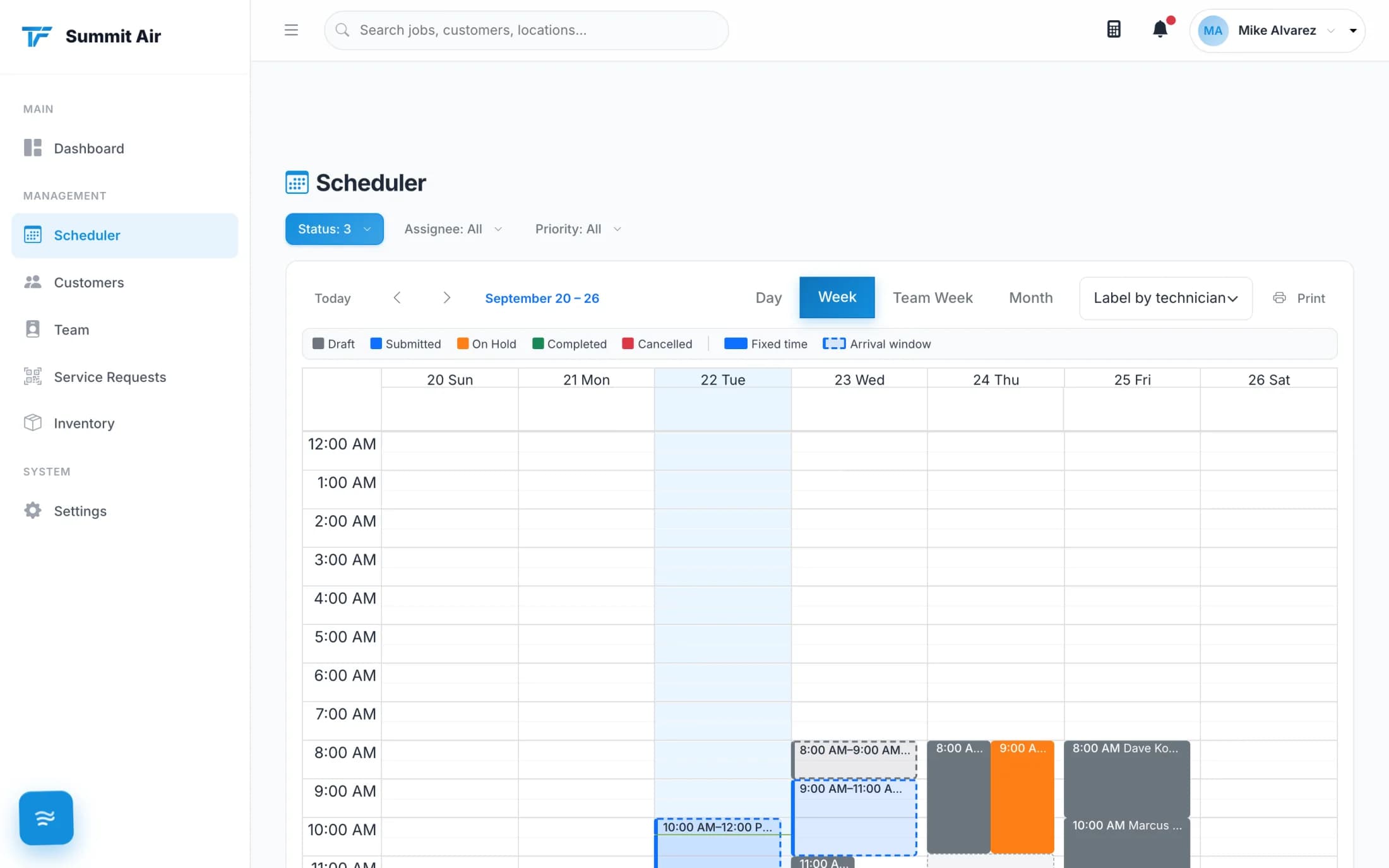
Some techs live in Google Calendar. Each person connects their own calendar from their own account, and the jobs they're on flow out to Google - time, address, customer and all.
- Each person connects their own calendar; nobody has to hand over a password
- Jobs go out to Google, so the truck's phone shows the day next to everything else on it
- Change the time in the scheduler and the calendar entry follows
- One way: jobs flow out to Google, and the scheduler stays the place the day is built
Service Request QR codes
Free add-onA QR code on the unit does the intake.
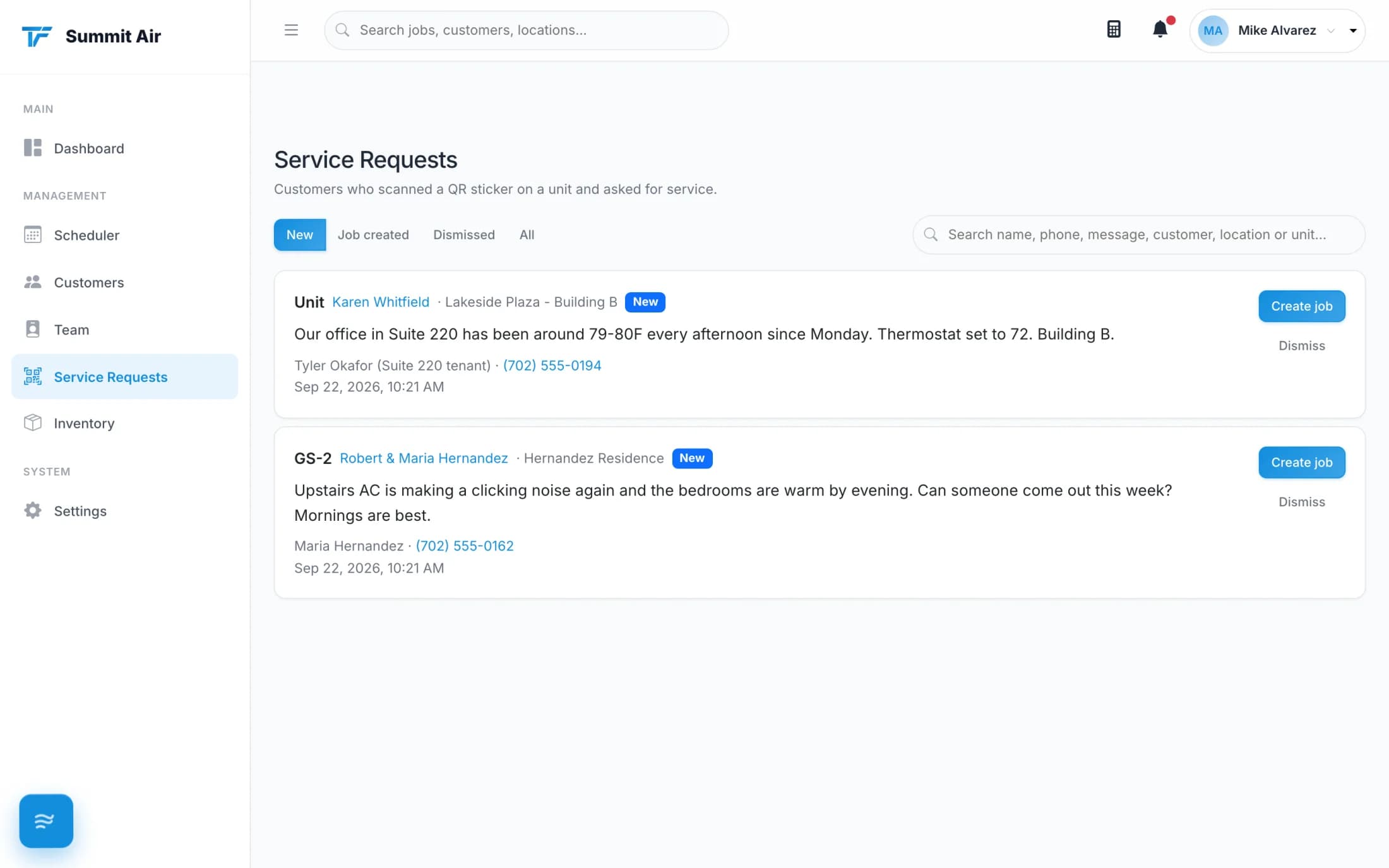
Print a QR code for a unit or a whole site and leave it there. When something goes wrong, the tenant or the building staff scans it with a phone camera, describes the problem and adds photos - no login, no account, no app to download.
- The request lands in your inbox with the site already attached
- Photos come with it, so you know what you're walking into
- Turn it into a job in one click and schedule it
- Free - no extra charge for the QR codes or the requests
The rest of the plumbing
Small connections that save a shop a lot of copying and pasting.
Calendar subscription feed
Subscribe to your Tracforce schedule from Apple Calendar, Google Calendar or Outlook and the day appears alongside everything else. It's a read-only feed, so nothing on your calendar can change a job.
Send from your own email server
Point Tracforce at your shop's email server so invoices and job PDFs arrive from your address, not a stranger's. Replies go to the address you choose, so customers land in your office inbox.
Sign in with Google or Apple
Your people can sign in with the Google or Apple account they already use, instead of inventing one more password to forget on a roof.
Invoice and get paid through QuickBooks
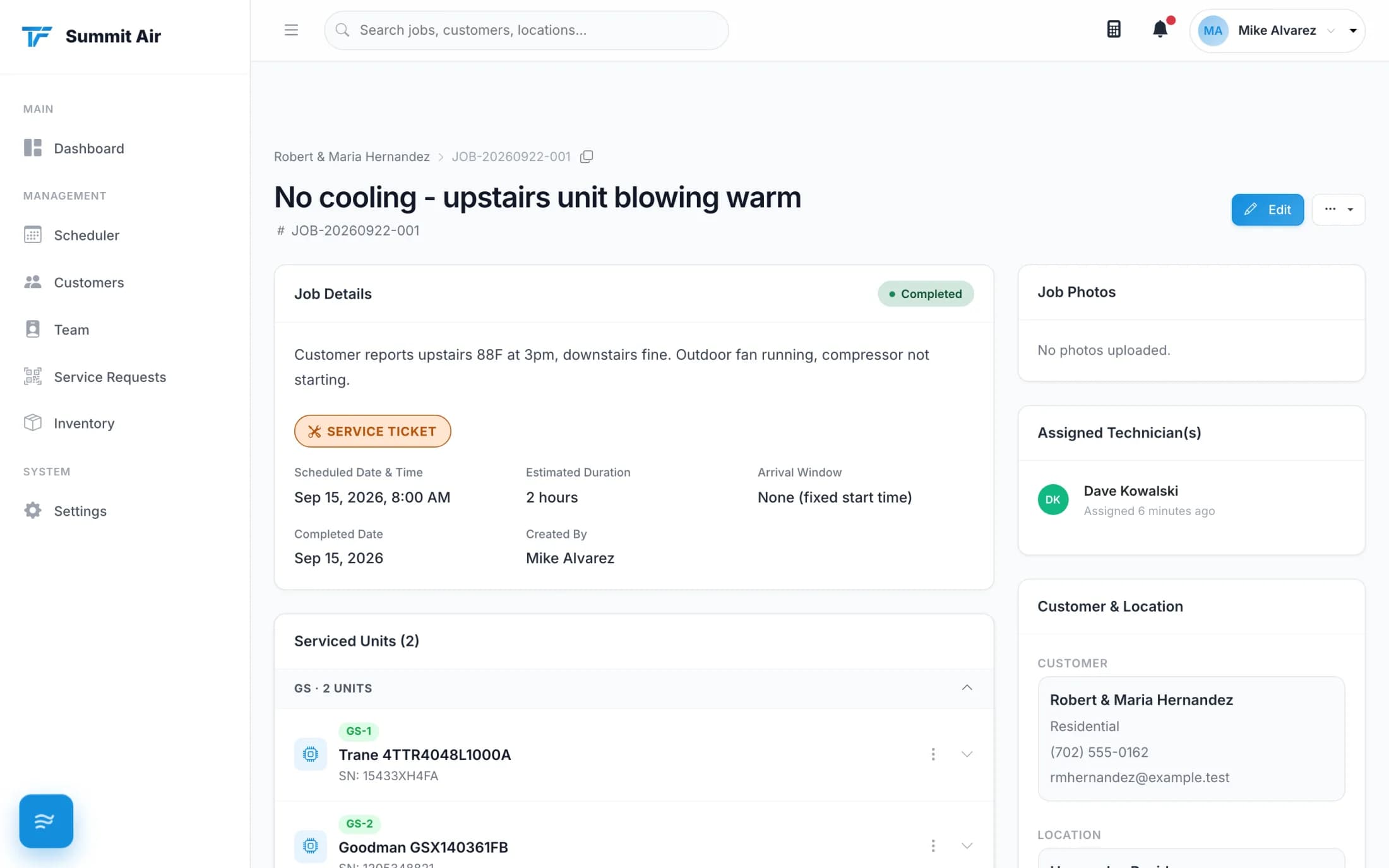
Connect QuickBooks and a finished job goes over as an invoice in a couple of taps. Add a Pay Now link and your customer pays by card straight into your QuickBooks account. Bring the customers you already have in QuickBooks into Tracforce when you connect, and any change you make to a customer here goes over to QuickBooks on its own.
Your data stays yours
Connections are set up by you and can be disconnected by you. Nothing about how we handle your shop's information changes because you switched something on - the details are in our Privacy Policy and Terms.
Connect it in an afternoon.
Start the trial, switch on what you use, and send your next invoice from the driveway.
30-day free trial. No credit card. Built for independent shops.