
Breeze AI
Meet Breeze, The AI assistant for your whole shop.
Breeze doesn't just answer questions - she does the work. Tell her what you need in your own words, and it's done.
30-day free trial. No credit card. Built for independent shops.
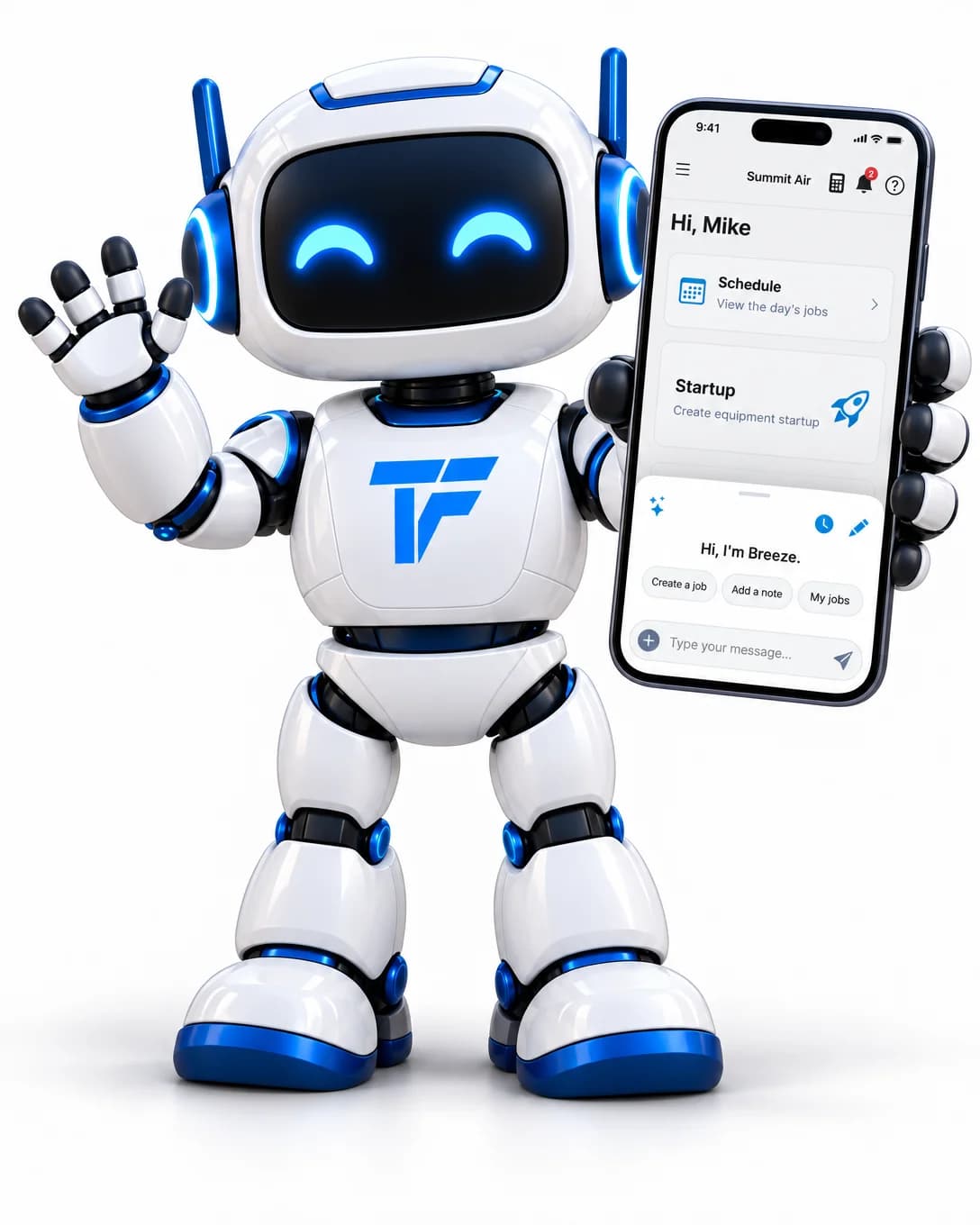
Always one tap away
Tell Breeze what you need.
Tap the sparkle button next to the search bar and Breeze slides up over whatever you're doing. Type your message, or tap the mic on your phone's keyboard and say it.
- Start with a shortcut: create a job, add a note, or see your jobs
- She knows which job you're on, so "add a note" goes to the right one
- Pick up any recent chat where you left off
- Drag photos straight into the chat
- Off-grid on a roof with no internet? Your message waits and sends itself later

Say it rough. Send it polished.
Breeze's chat box works with dictation apps like Wispr Flow. Hold a key, say what you need, and your words land in the box - cleaned up and ready to send. Wispr Flow is a separate app made by Wispr and isn't part of Tracforce.
Download Wispr FlowTell Breeze to do almost anything
Over one hundred tools she can do on your behalf - all of them the same things you'd do by hand, minus the tapping.
Jobs
- Create a job, from scratch or from data-tag photos
- Reschedule it, change the priority, the type or how long it'll take
- Submit it, mark it complete, or cancel it with a reason
- Look up a job, list the ones assigned to you, add a note
Who's on it
- Assign a tech to a job
- Swap one tech for another
- Take someone off a job
Equipment and photos
- Add units by scanning their data tags, and name them ("call it GS-1")
- List the units on a job
- Rename or correct a unit
- Attach photos to a job without scanning them
Money and parts
- Add, change or remove a line on the invoice
- Apply a discount, or take it off
- Put a stocked part on the job so it comes off the van
- Charge nothing for a warranty part
Customers and sites
- Create or update a customer, and add a note to their file
- Create or update a location
- Look up who you're talking to and what's at their building
Questions
- How do I add a custom field? - she knows the help guide
- What's normal superheat on R-410A? - she knows the trade
- What's on Dave's plate today?
She can't go off and do something you didn't ask for
An AI with the keys to your shop only works if the rails are real.
You confirm every change
Before anything is created, changed or priced, Breeze shows you a card with exactly what she's about to do.
She can only do what you can
Breeze works inside the same permissions as the person using her. A tech can't have her do an office job.
There are things she can't touch
She can't delete anything, send email to a customer, change your settings or go near billing.
Your data stays yours
Breeze only ever sees your own shop's records, and your data is never used to train AI models.
What it costs
Every person on your account comes with a monthly allowance of AI - Breeze, data-tag scans, invoice scans and note rewrites all draw from the same pot, shown as one simple bar. If it ever runs out, the AI pauses and the rest of Tracforce keeps working exactly as normal. You can top it up whenever you want, and technicians never see a billing prompt.
Less clicking. More doing.
Try Breeze on a real job and see how much typing disappears.
30-day free trial. No credit card. Built for independent shops.