
Mobile app
Built for the truck.
The phone isn't a cut-down version of Tracforce. It's the main way most shops use it - on iPhone and Android.
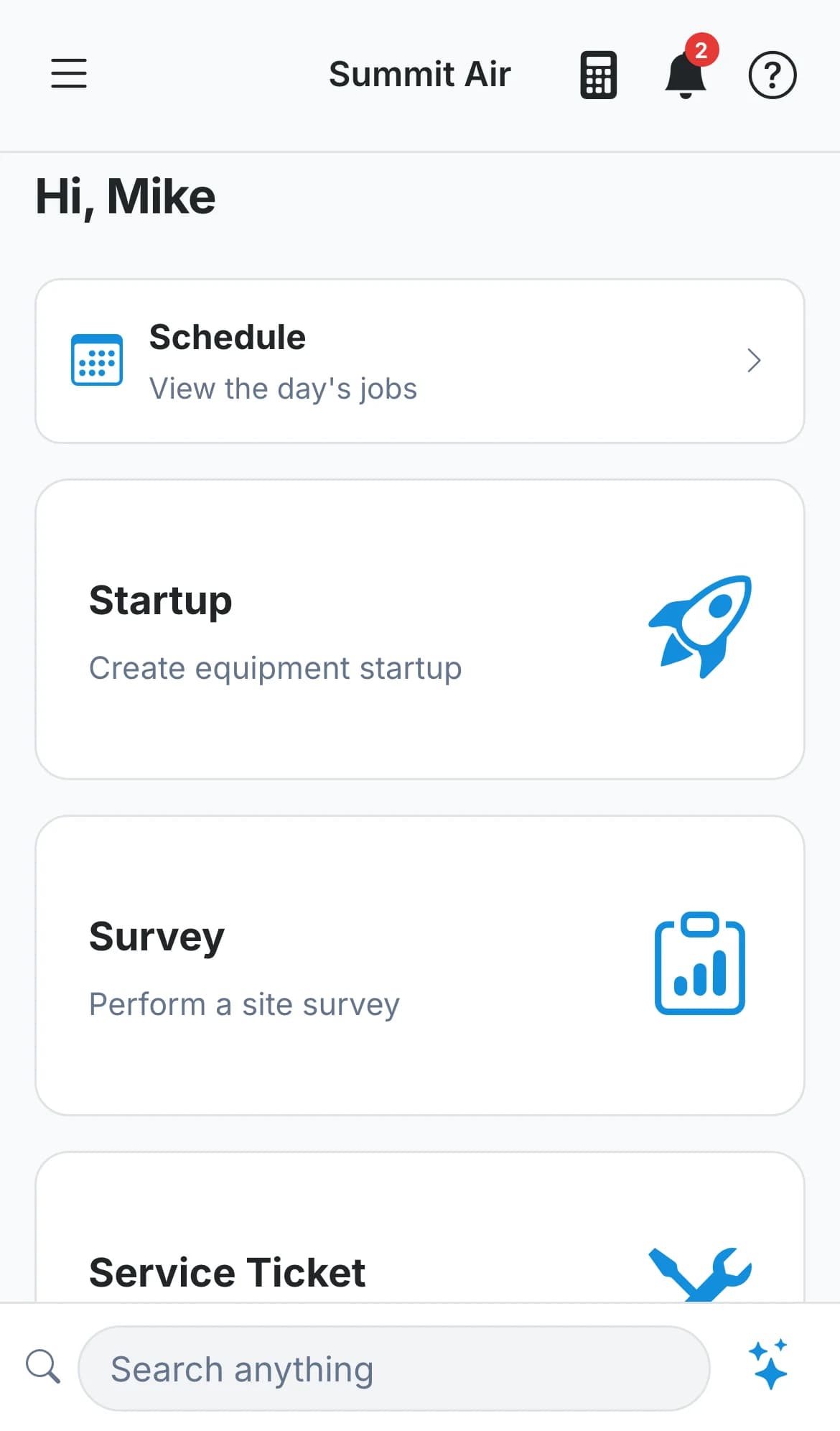
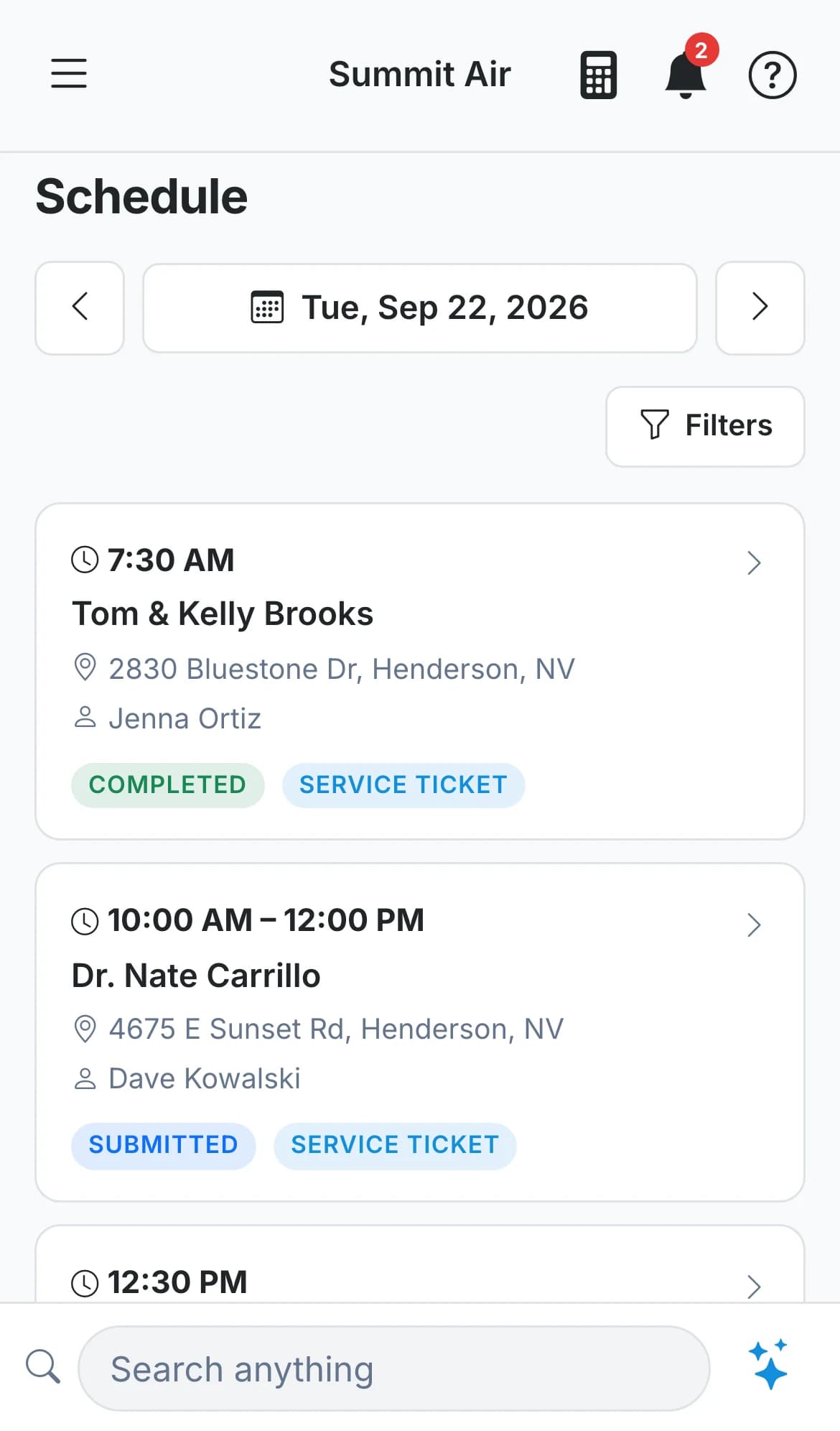
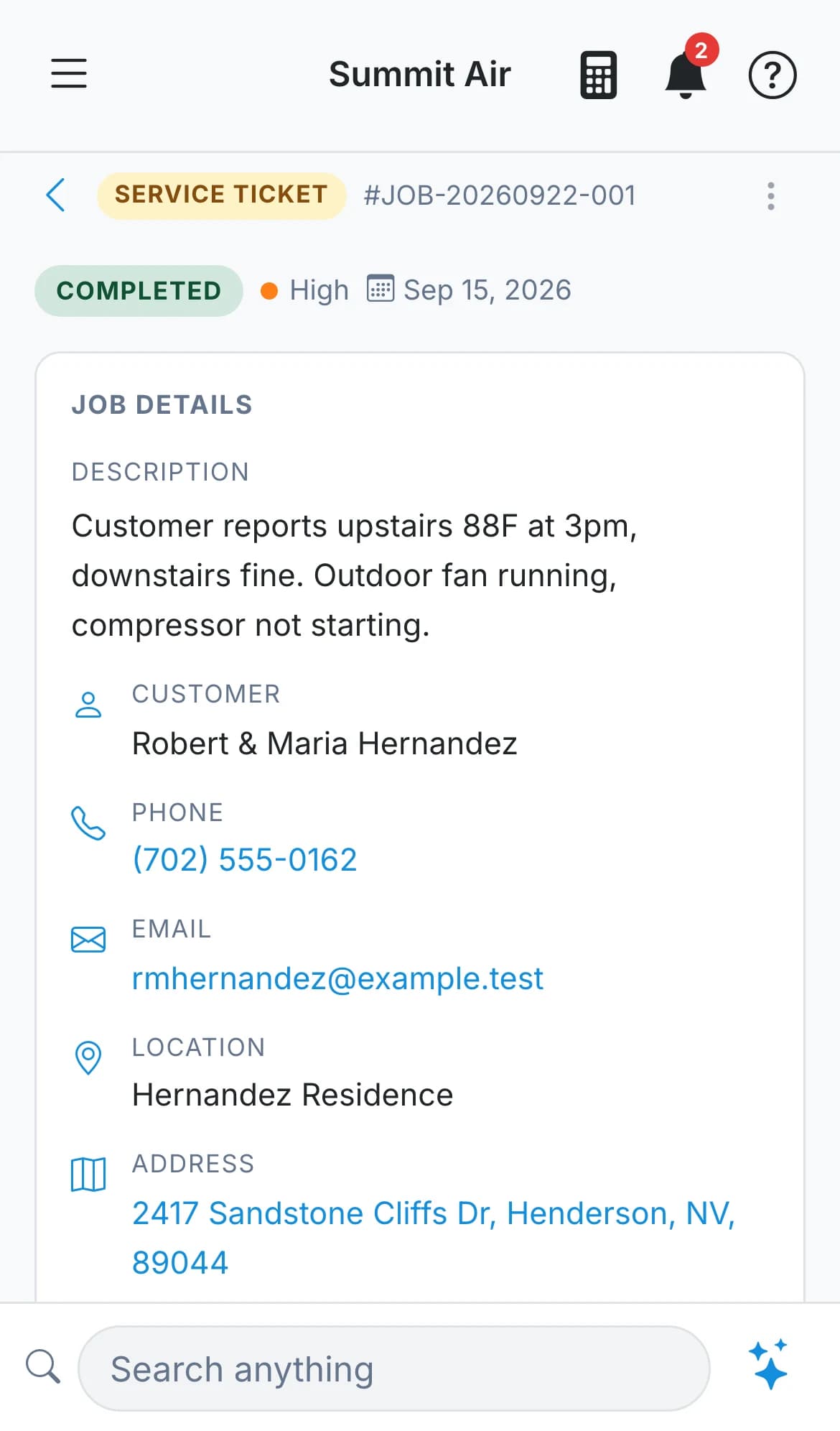
A whole day's work, one hand
Big targets, short screens and no menus to dig through - because it gets used standing on a ladder.
The whole job, start to finish
Create it, add the units, take the photos, price it, submit it and mark it complete without opening a laptop.
Photos and data tags
Snap the nameplate and the unit fills itself in. Photos land on the job, or on the specific unit they belong to.
Signed on the spot
The app asks for the customer's signature right after you submit, and it prints on the invoice.
One tap to drive there
Open the address straight in Apple Maps, Google Maps or Waze.
Keeps working with no signal
Jobs you've already opened stay readable, and photos you take are queued and sent as soon as you're back in range.
Locked to you
Turn on Face ID or a fingerprint so a phone left in a truck doesn't open your shop's records.
Dark or light
Dark by default, which is easier at night and in a dim mechanical room. Switch to light in settings whenever you want.
Scan a license to add a customer
Read the barcode on the back of a driver's license and the name and address fill themselves in, right on the phone.
No training day
Hand it to a tech and they'll just use it.
There's no manual, no course and no consultant. The home screen has the four things a tech does, and everything else is one tap away in the menu.
- Today's jobs and what's coming up, on the first screen
- Search a customer by address, even if you spell it wrong
- The Bid Calculator in the top bar on every screen
- Call or text a teammate without leaving the app
- Sign in with Google, with Apple, or with an email and password
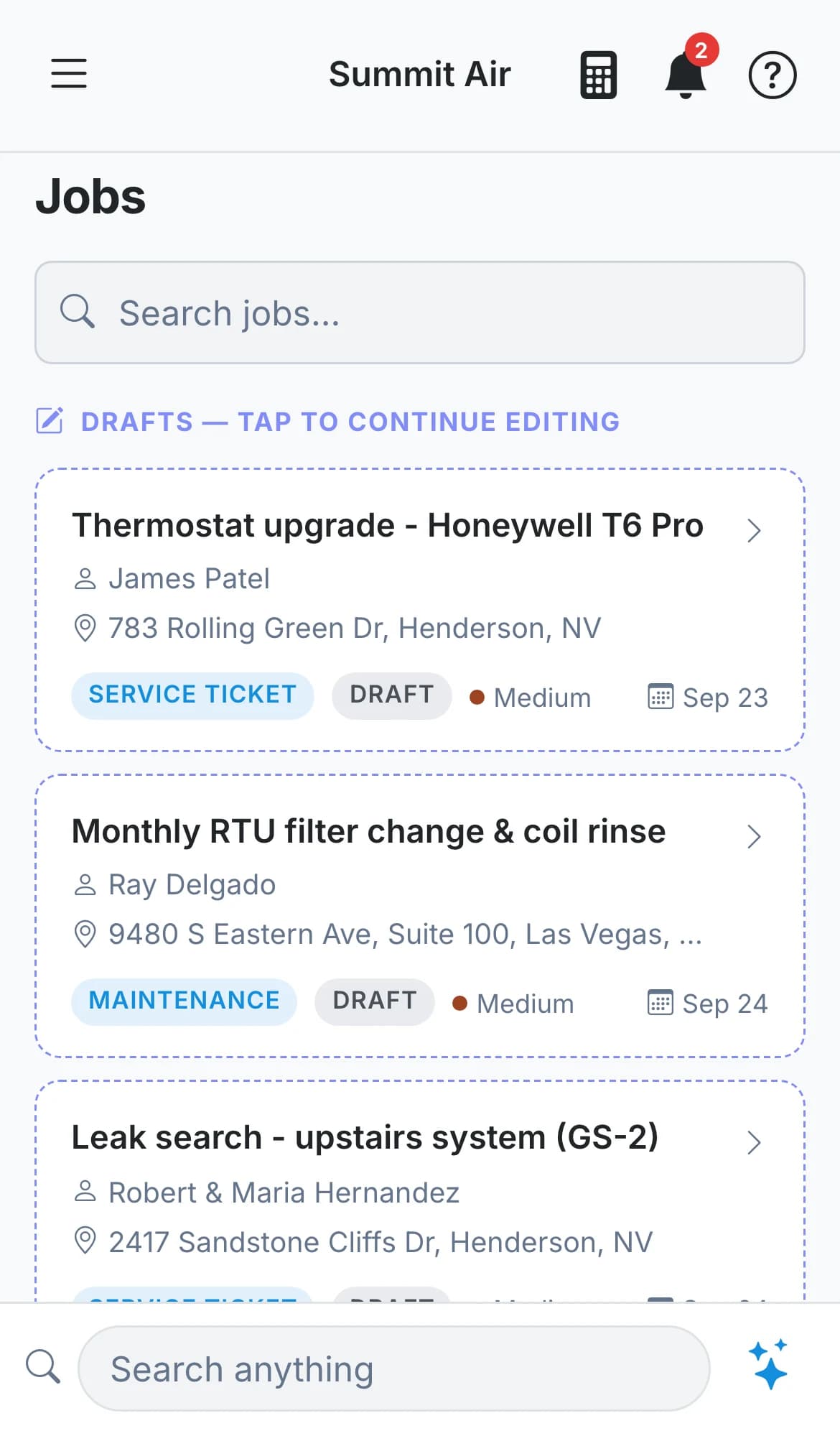
Put it in your techs' pockets this week.
Everyone on the account gets the app on iPhone and Android.
30-day free trial. No credit card. Built for independent shops.

 Coming soon