
Data-tag scanning
Point the camera. Skip the clipboard.
Nobody wants to copy a serial number off a rusty plate in the sun. Take the photo and let the AI read it.
30-day free trial. No credit card. Built for independent shops.
How it goes
Photo, check, done.
Snap the data tag on the phone. The AI reads the plate and the fields come back filled in, you glance over them, and the unit is on the job. The original photo is kept with the unit, so anyone can go back and look at the plate themselves.
- Works on the units you add to a job, and on new equipment at a site
- Ask Breeze to do it: send the photos and tell her what to call each unit
- Name units the way your shop does - GS-1, HP-2, RTU-3
- Anything the plate doesn't say, you type once and it sticks
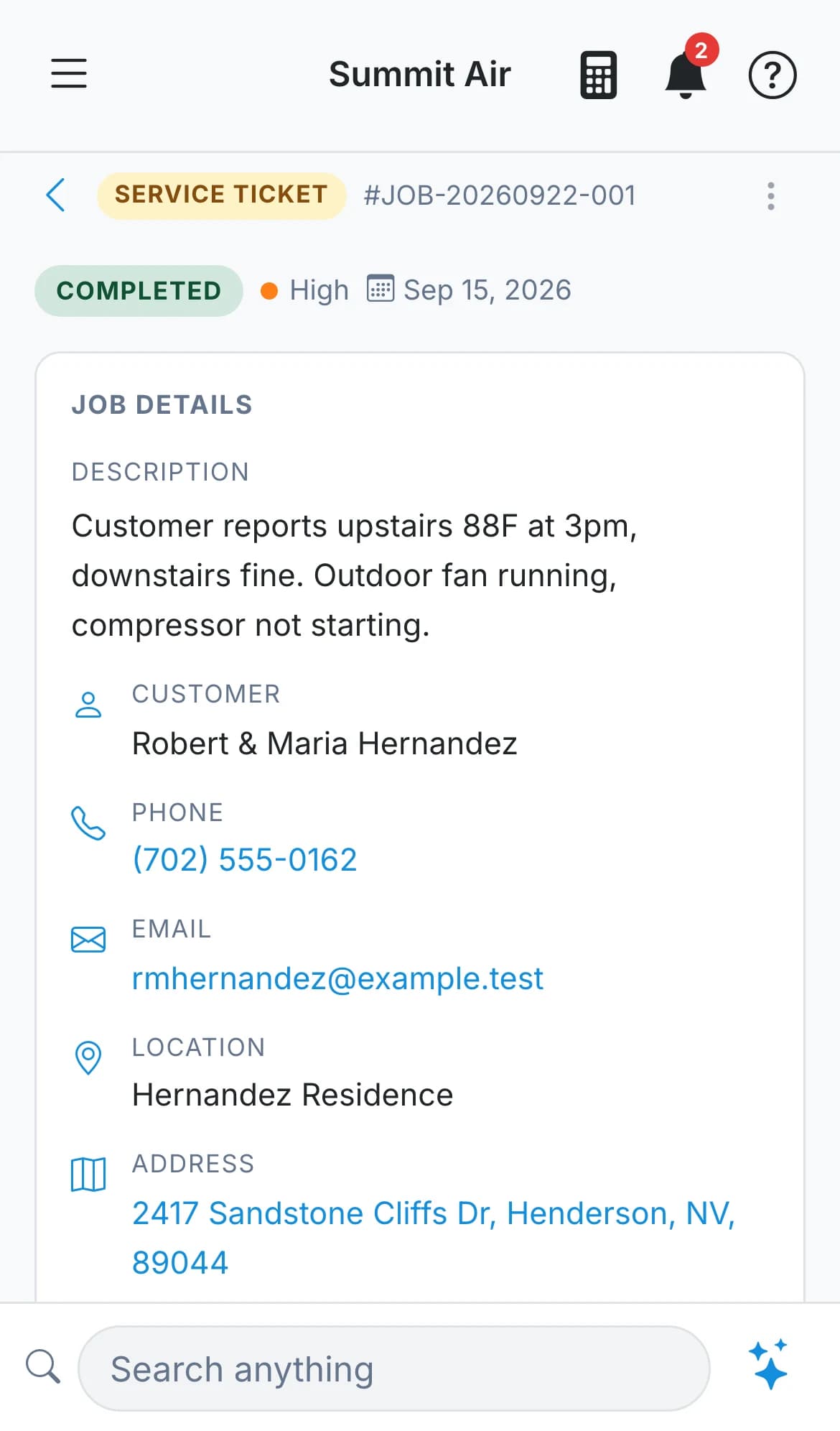
What comes off the plate
The fields a tech would otherwise be typing with one thumb.
Your shop decides which fields matter. Add your own, or turn off the ones you never fill in.
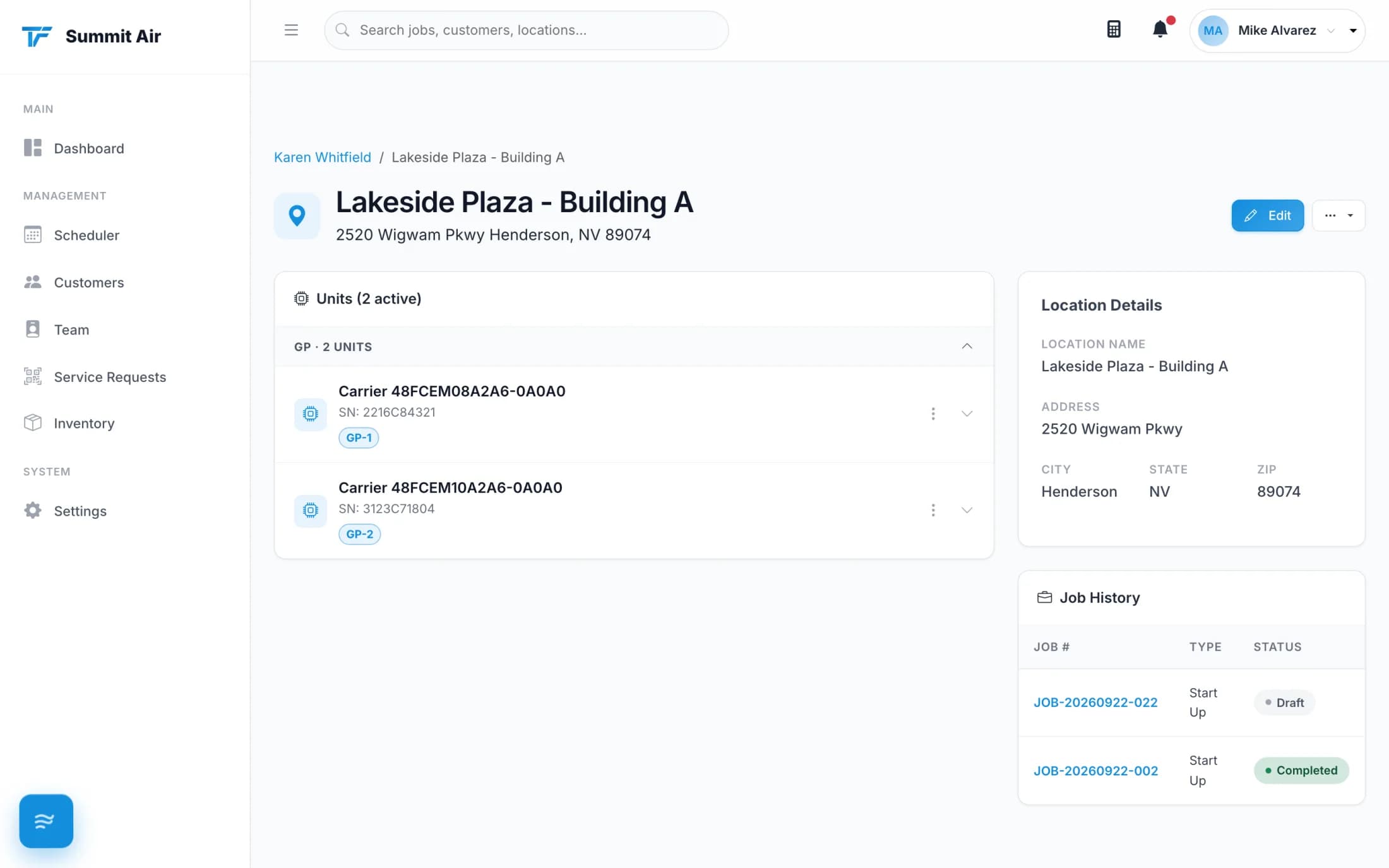
The equipment file writes itself
History stays at the building
Every reading, photo, job and part used builds up on the unit - so the next tech knows what happened last time.
Named the way you name them
Unit labels come from your own system types, so GS-1 and HP-2 mean the same thing to everyone in the shop.
Photos where they belong
Shots of the plate, the install and the problem all sit on the unit or the job, not in somebody's camera roll.
A plate you can't read
Painted over, faded or missing? Enter it by hand in the same form. Nothing about the job depends on the scan working.
Replaced, not erased
When a unit gets swapped out, decommission it. The history stays, and you can bring it back if it was a mistake.
One-off scans stay one-off
Scanning a unit on a service call doesn't have to add it to the site's permanent equipment list unless you say so.
Stop typing serial numbers.
Scan the first unit on your next call and see what comes back.
30-day free trial. No credit card. Built for independent shops.